Accessing Custom Code Settings in MemberVault
Learn how to navigate to the advanced customization area of your store dashboard. This guide helps you quickly locate where to inject custom CSS and JavaScript to modify your site's appearance and functionality.
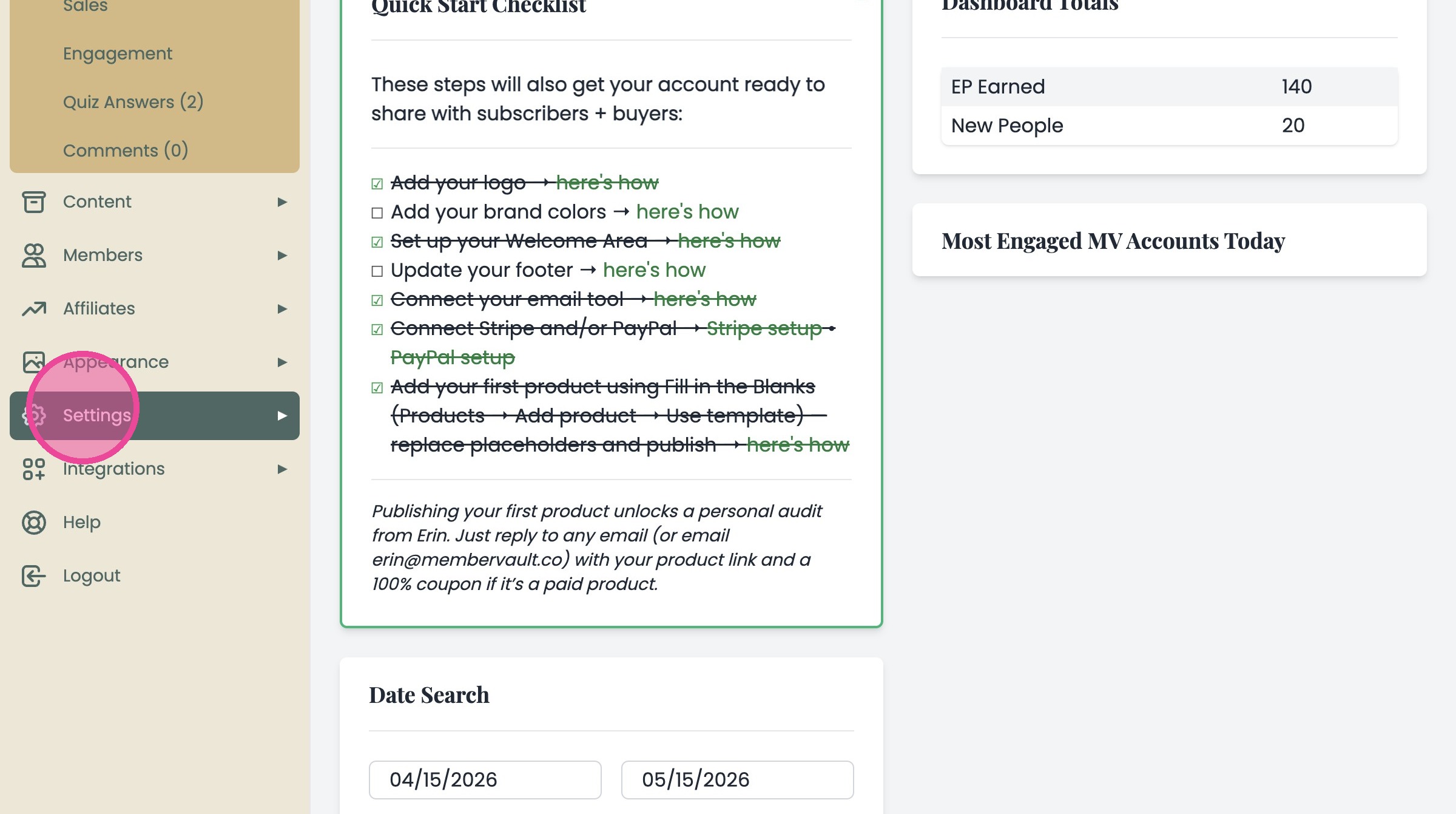
1. Navigate to the admin side of your MemberVault account.
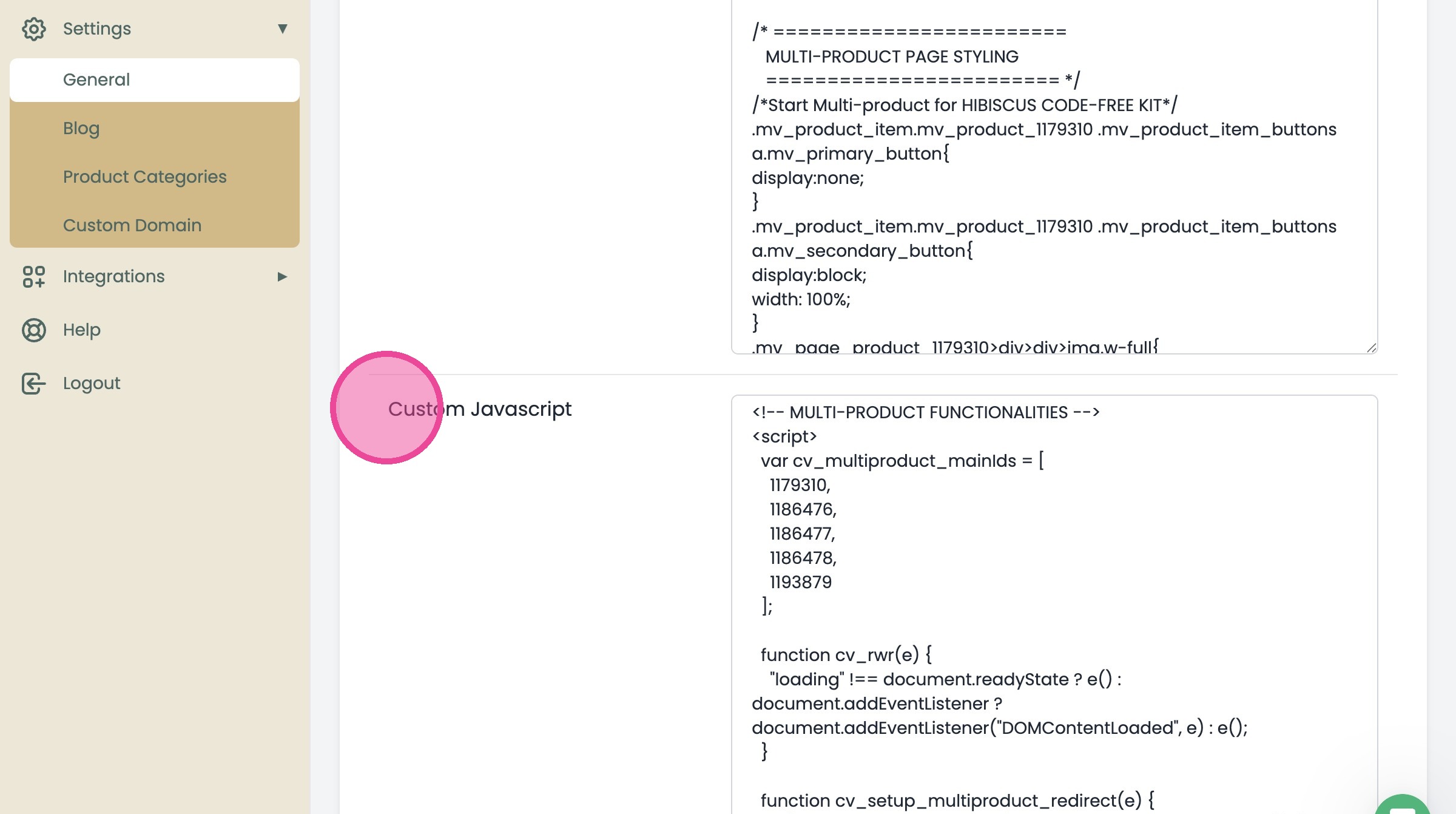
2. Click Settings in the sidebar menu
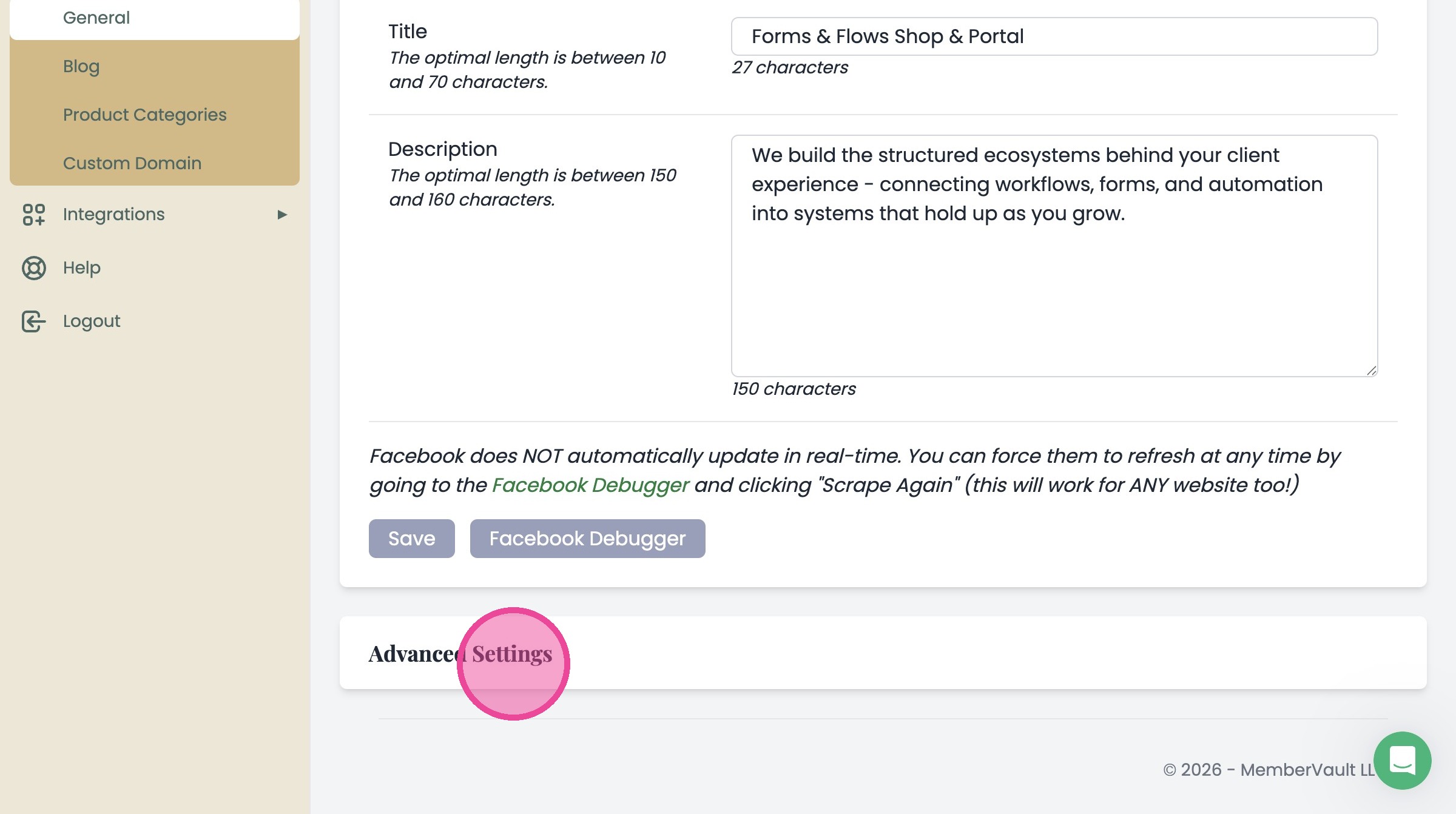
3. Scroll down to the Advanced Settings section
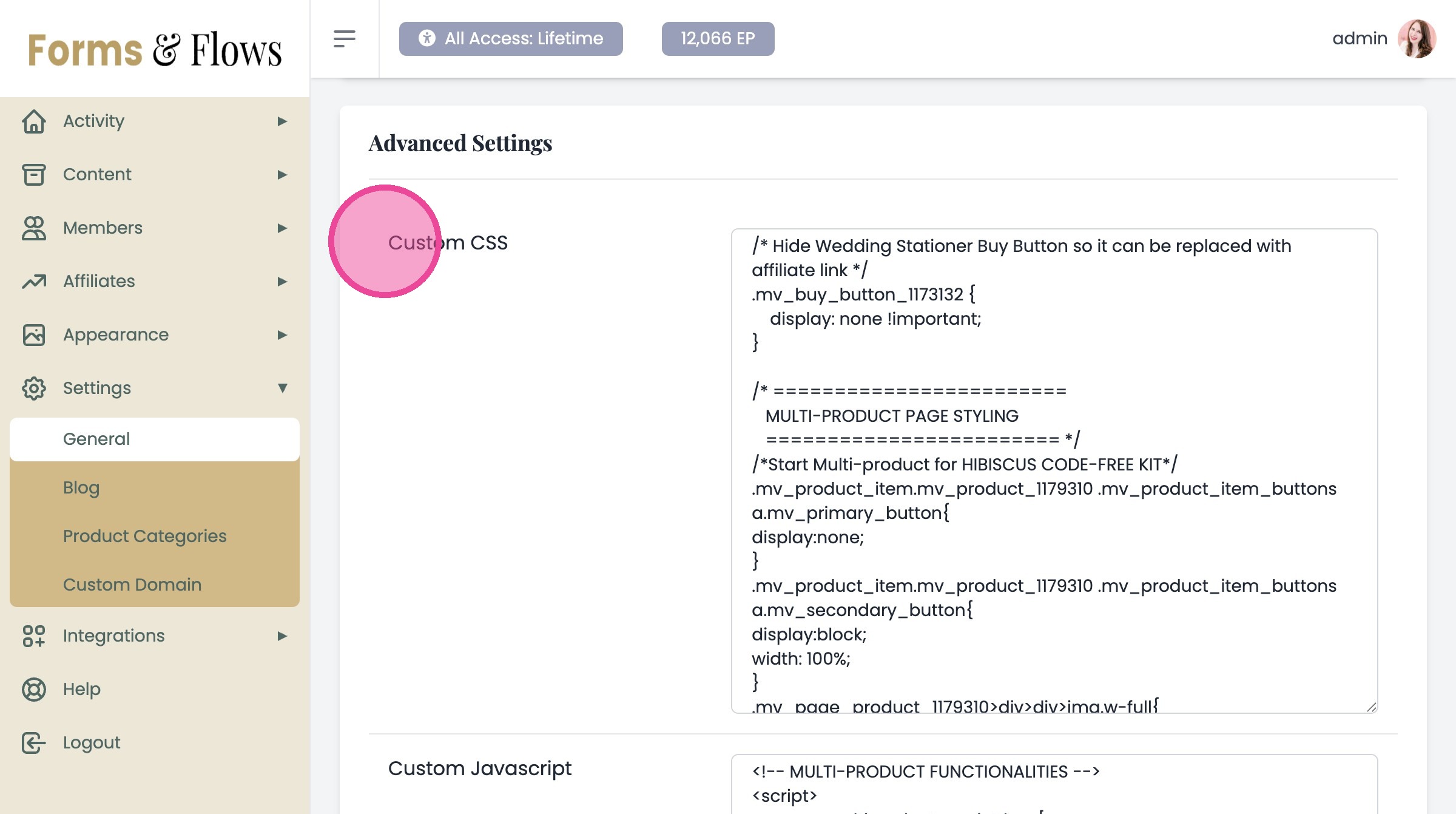
Code Options
Under Advanced Settings, you'll find 2 important sections:
"Custom CSS" and (scroll down)
"Custom Javascript"