How to Access HTML in MemberVault
1. Navigate to the admin side of your MemberVault.
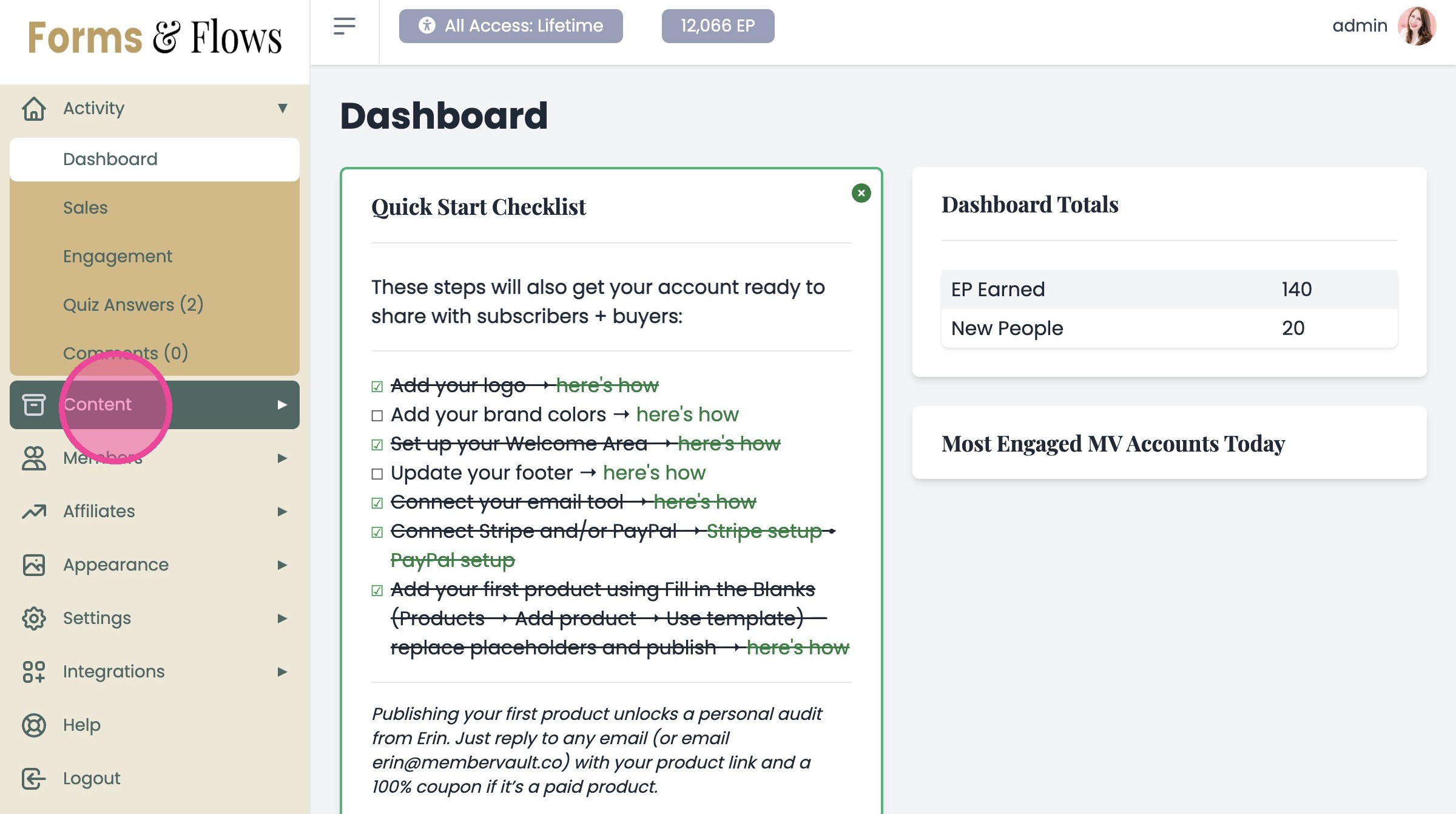
2. Click "Content"
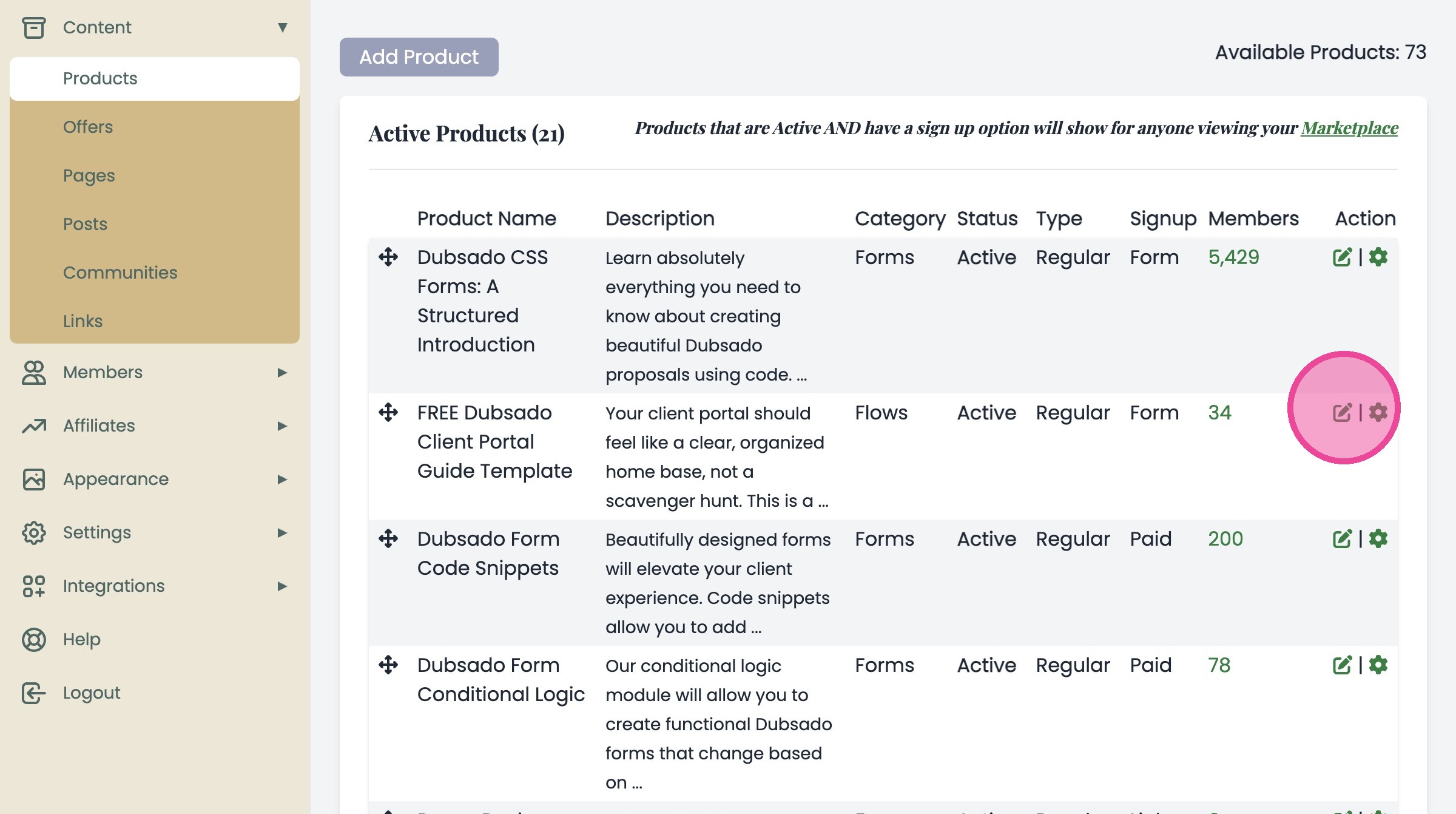
3. Click "Products" & click the Edit icon for the desired product. Go all the way into the Product, Module, or Lesson where you want to add the relevant content. This will be possible anywhere that MemberVault offers you a free text box.

4. In any free text box, click the three dots.
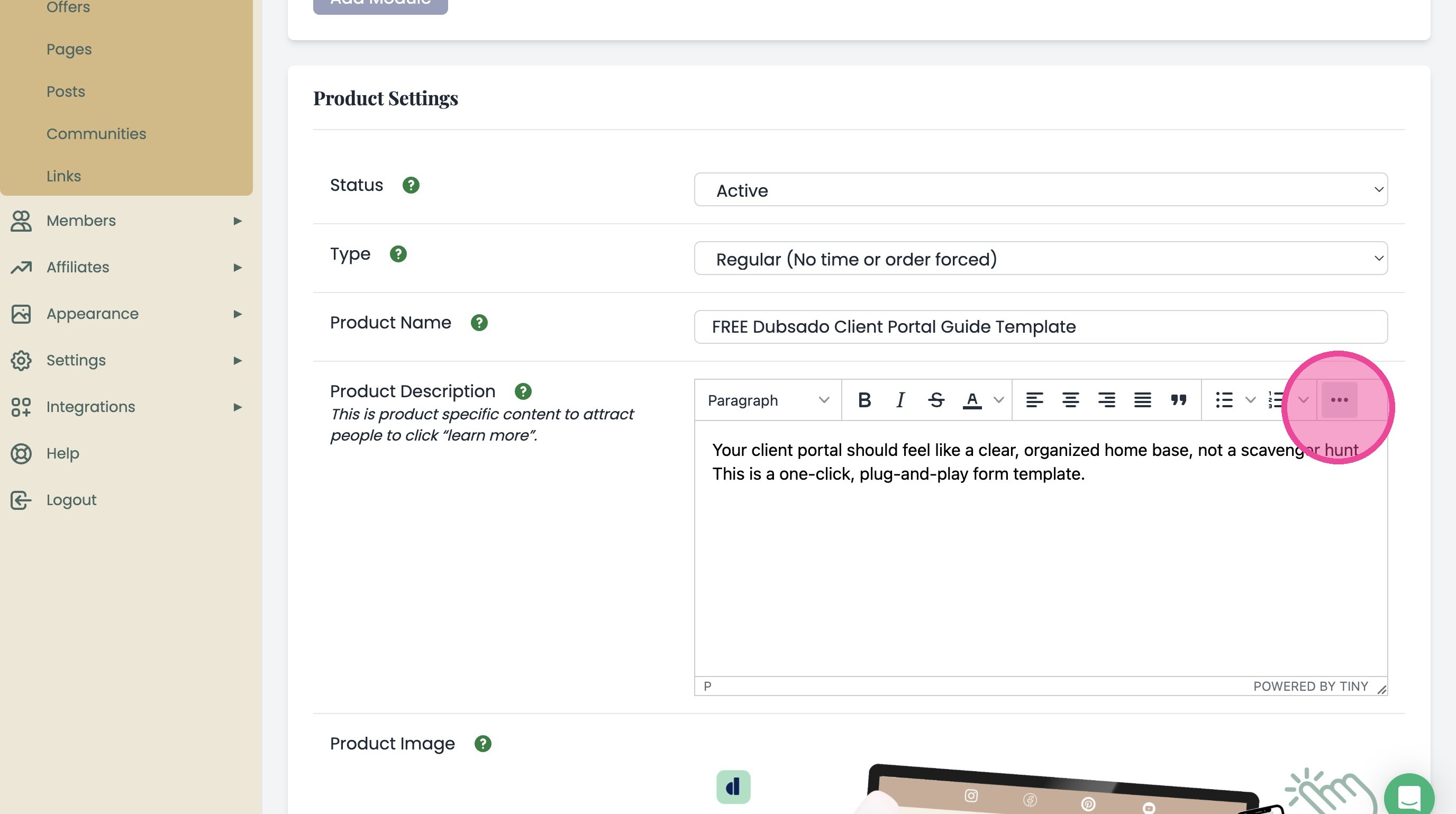
5. Open the Source Code editor in the Product Description field
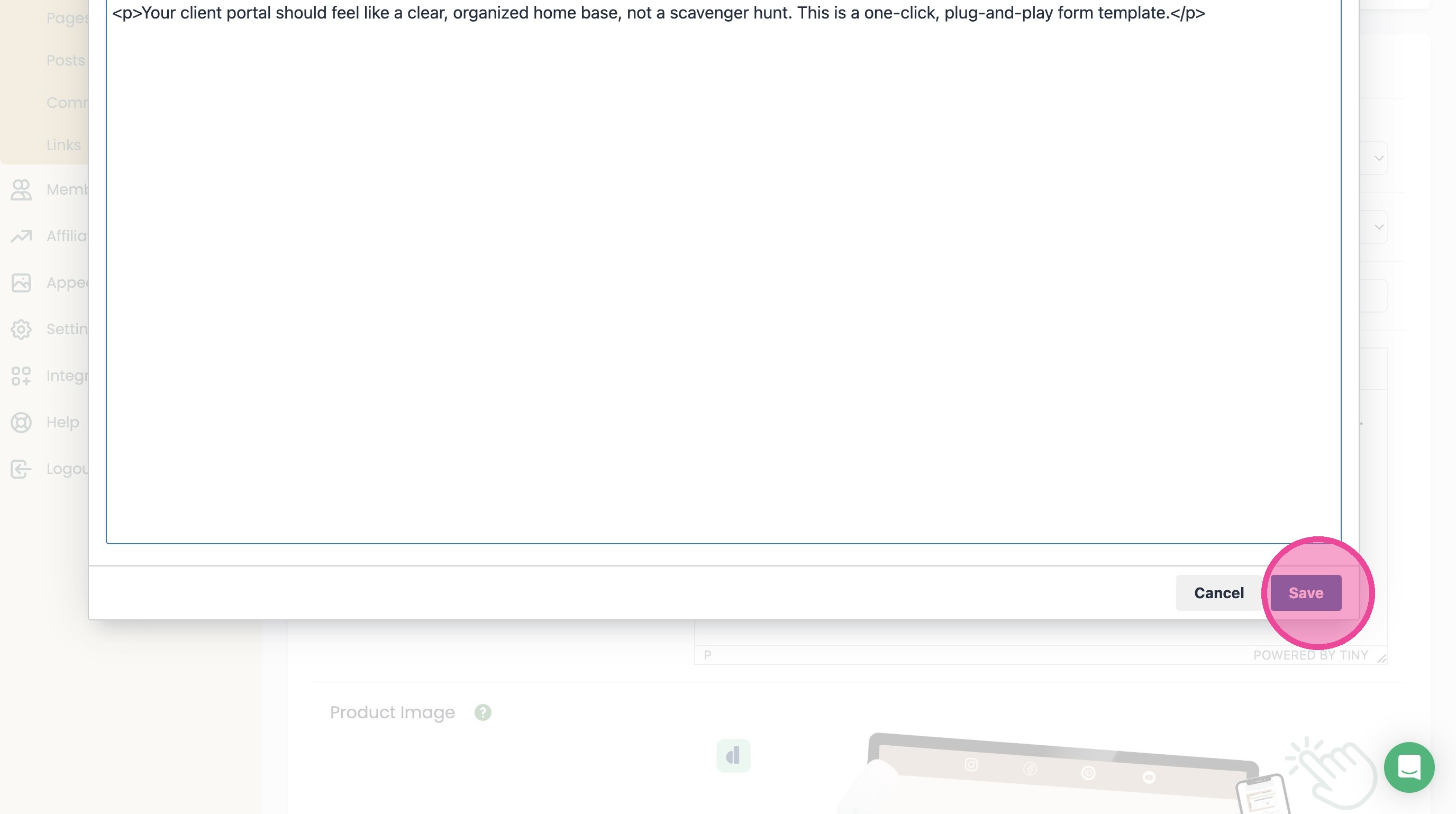
6. Paste in our HTML Snippet and click "Save"