
What Revise does (and doesn't)
Every Workflow Map can be revised after it is generated. Revise works at the structure level of the map: combine or split workflows, move where a service enters, add, remove, or rename a step, an email, or a form. It is how you reshape the system without starting over.
Where to find it
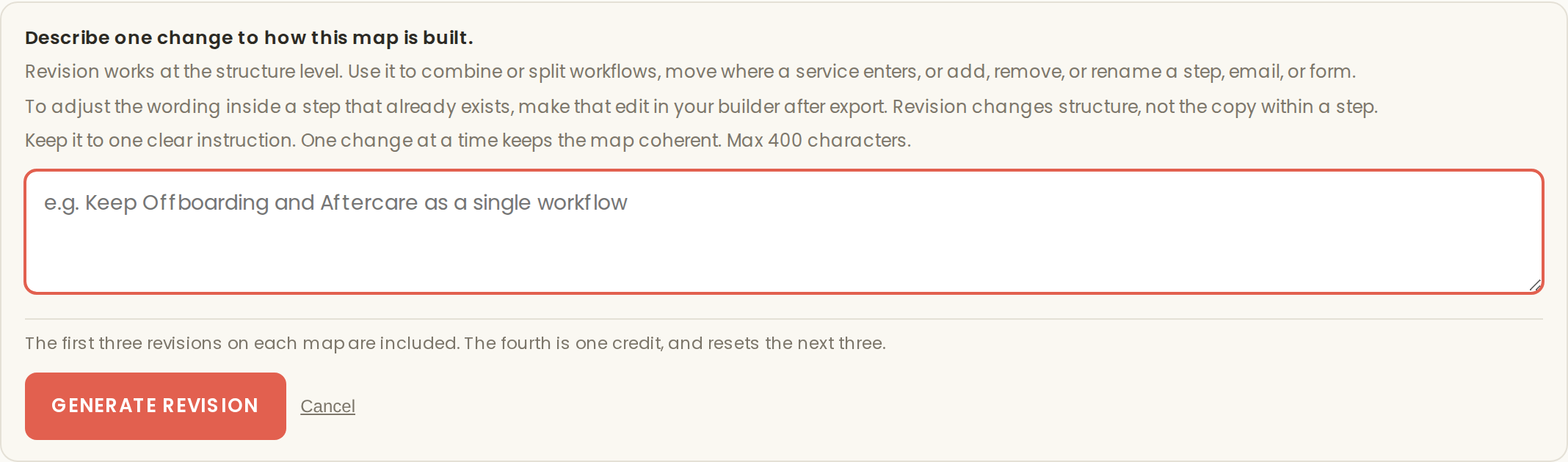
Open the business, then click "Revise map" in the action row of the business detail. The Revise panel opens, where you describe the structural change you want in a single instruction.
What counts as structure
Structure is the shape of the map. Which workflows exist, what they are called, where a service enters the system, which steps belong to which workflow, and which emails and forms those steps carry. All of that is within reach of a revision.
What Revise does not do
Revision changes structure, not the copy within a step. The panel's own guidance draws the same line: to adjust the wording inside a step that already exists, make that edit in your builder after export. The map is the blueprint. Once a step exists in the right place, refining its language is builder work, and doing it there keeps the map as your structural source of truth.
Versions are kept
A revision creates a new version of the Workflow Map. The previous version is not overwritten; it is kept under past versions, so you can always look back at the structure you had before the change.
One instruction, one structural change, one new version. That is the pattern.