
The Launch tab
The Launch tab is the last mile. It reads your map and turns it into a checklist over the whole system: what to connect in Dubsado, how to test it, how to take it live, and how to keep it current after that. It covers the full map, so the service filter chips do not apply here.
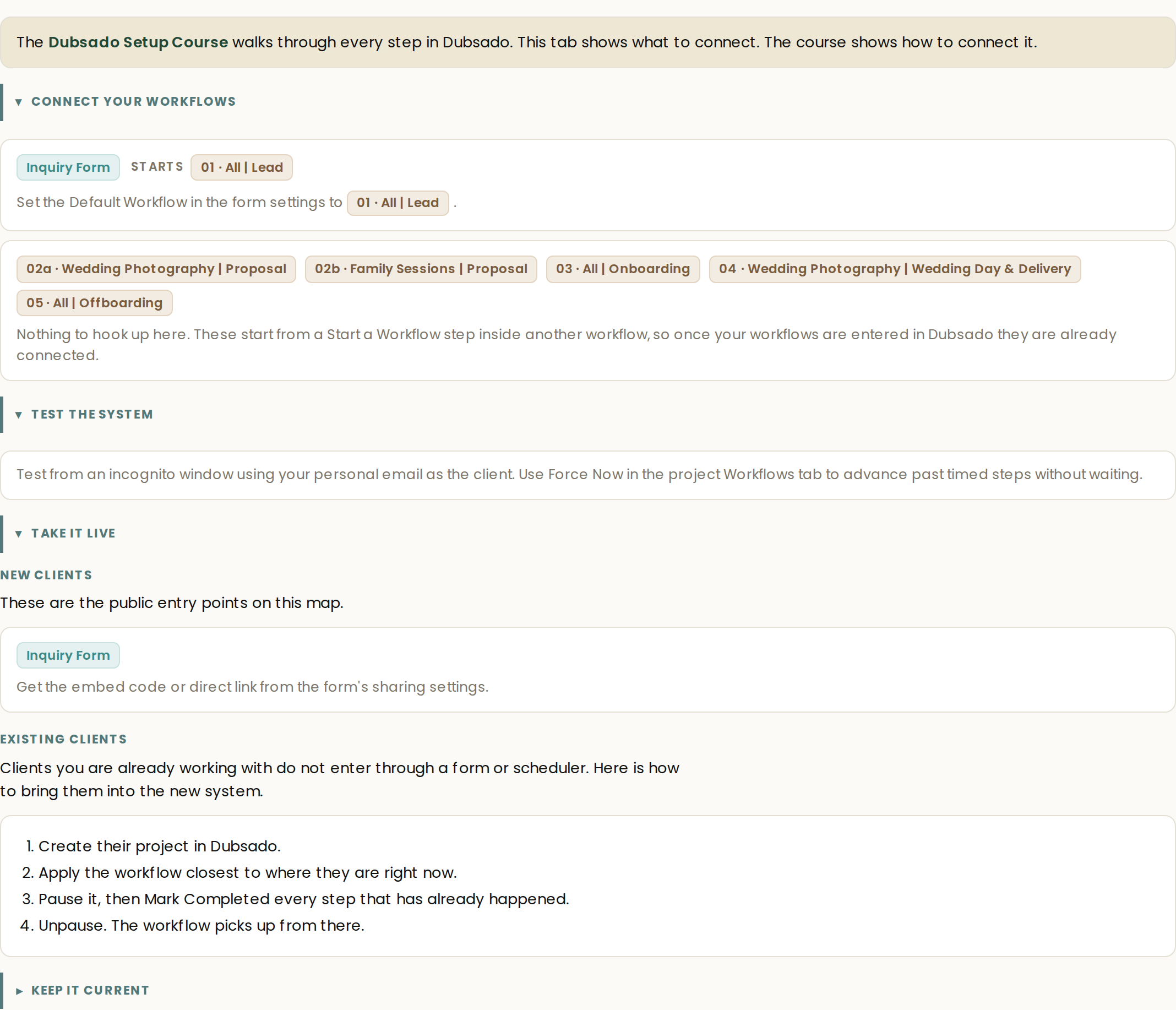
At the top, one line sets the division of labor: this tab shows what to connect, and the linked Dubsado Setup Course shows how to connect it.
Connect your workflows
The first section lists every entry point on your map as its own card: which form or scheduler starts which workflow, and exactly where the hookup happens in Dubsado.
- A form that starts one workflow. Set the Default Workflow in that form's settings.
- A form that starts several workflows. On the service question, assign each answer option its workflow.
- A scheduler entry. Set the workflow in the attached form's settings, not on the scheduler itself.
- Workflows started by other workflows. Nothing to hook up. These start from a Start a Workflow step, so once your workflows are entered they are already connected.
- Manually applied workflows. Nothing to hook up in advance. Open the project, go to its Workflows tab, choose the workflow, and select Apply, usually prompted by a to-do in another workflow.
Test the system
Test from an incognito window using your personal email as the client, so the run behaves the way a real lead's would. Use Force Now in the project's Workflows tab to advance past timed steps without waiting for them.
Take it live
For new clients, each public entry point gets its link or embed code. Forms carry theirs in the form's sharing settings. Schedulers carry theirs behind the link icon beside the scheduler name, and if you zeroed out a price for testing, restore the real one in Advanced Settings first.
Existing clients do not enter through a form or scheduler. Bring them into the new system directly:
- Create their project in Dubsado.
- Apply the workflow closest to where they are right now.
- Pause it, then Mark Completed every step that has already happened.
- Unpause. The workflow picks up from there.
Keep it current
The system stays useful because keeping it current is structured too.
- Wording. Edit email copy, form text, and prices directly in Dubsado. Small copy changes do not need a new map.
- Structure. When a step, email, form, or workflow needs to move, be added, or be removed, use Revise map. Then use a changes-only view or export, and carry only what moved into Dubsado.
- A new offer. Use Add a service. The generator rebuilds the full map so the new service shares workflows where it should and splits where it must.