Change Line Item Chart of Accounts Category
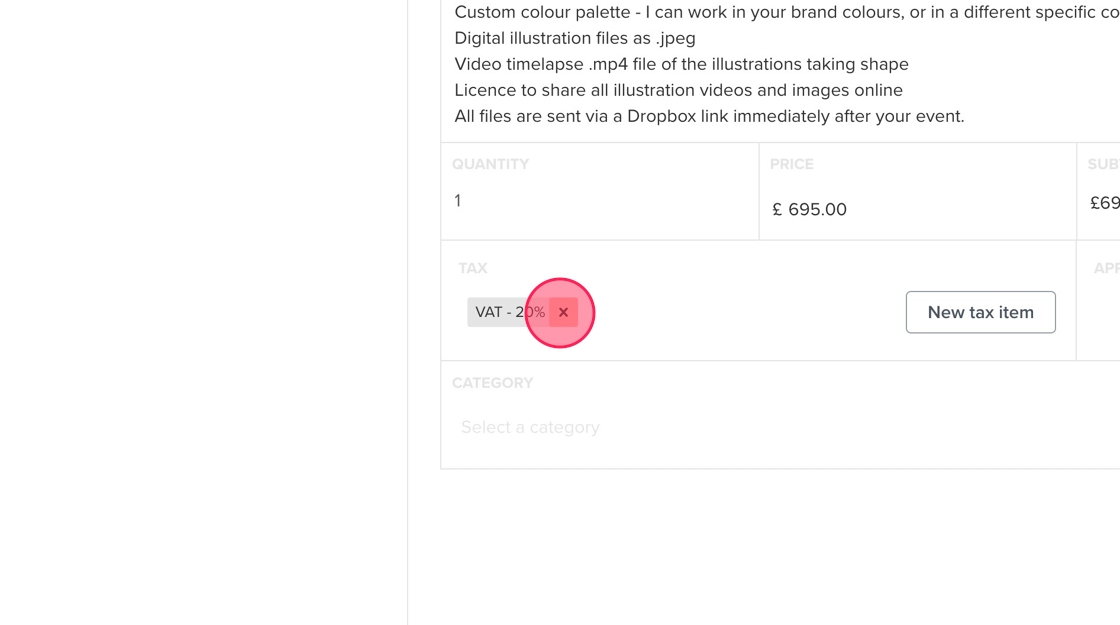
Remove VAT & Change Package Category
1. Navigate to relevant project in Dubsado.
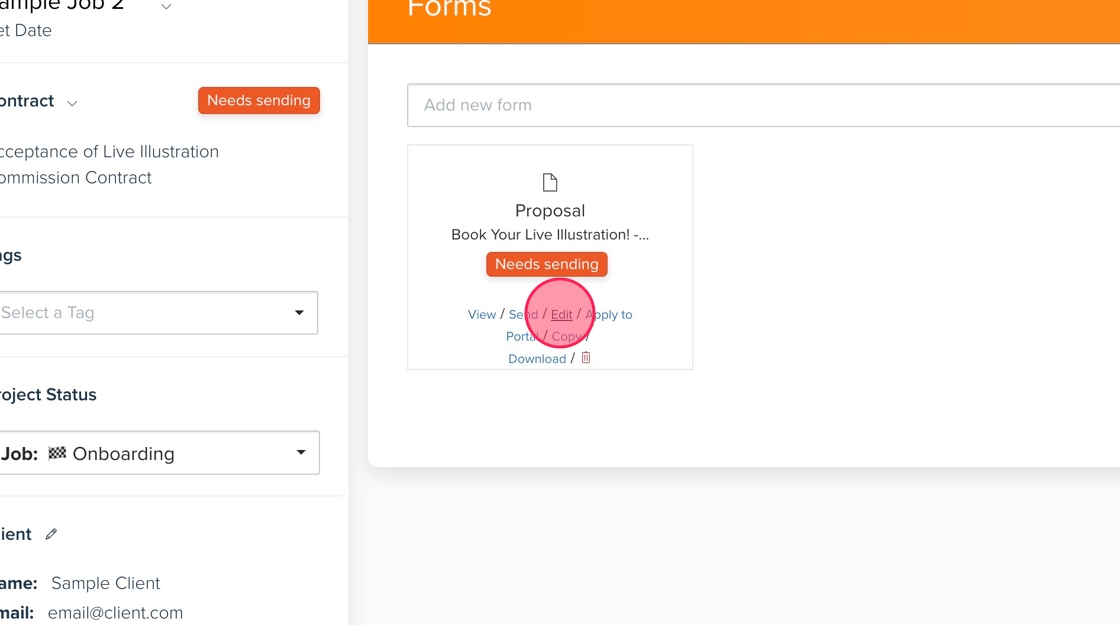
2. Go to the "Forms" tab. Click "Edit" on the proposal.
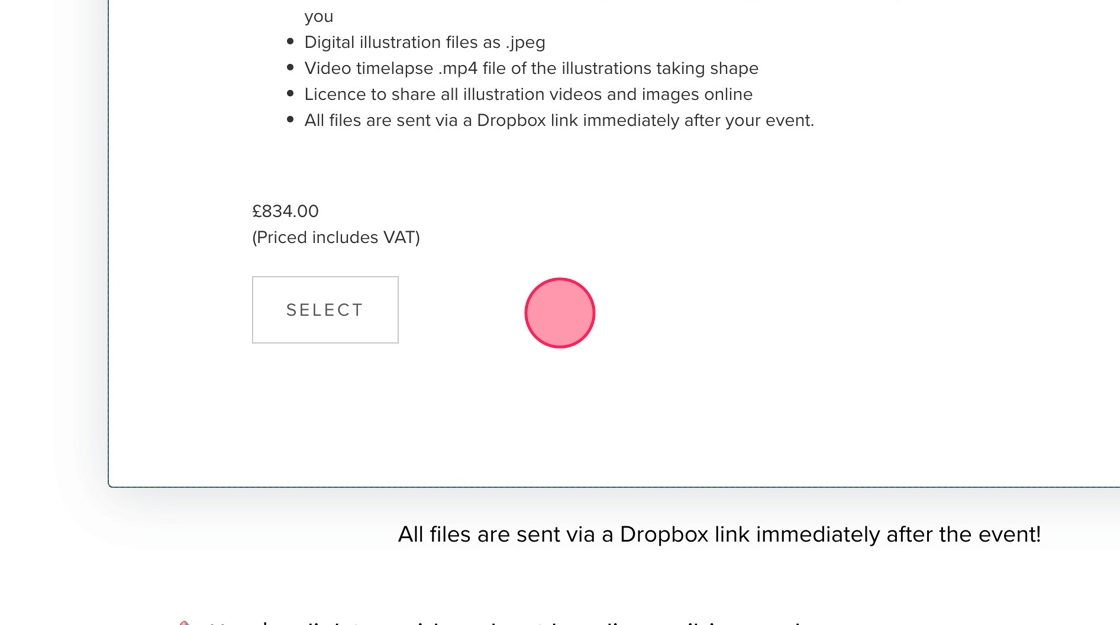
3. Click here.
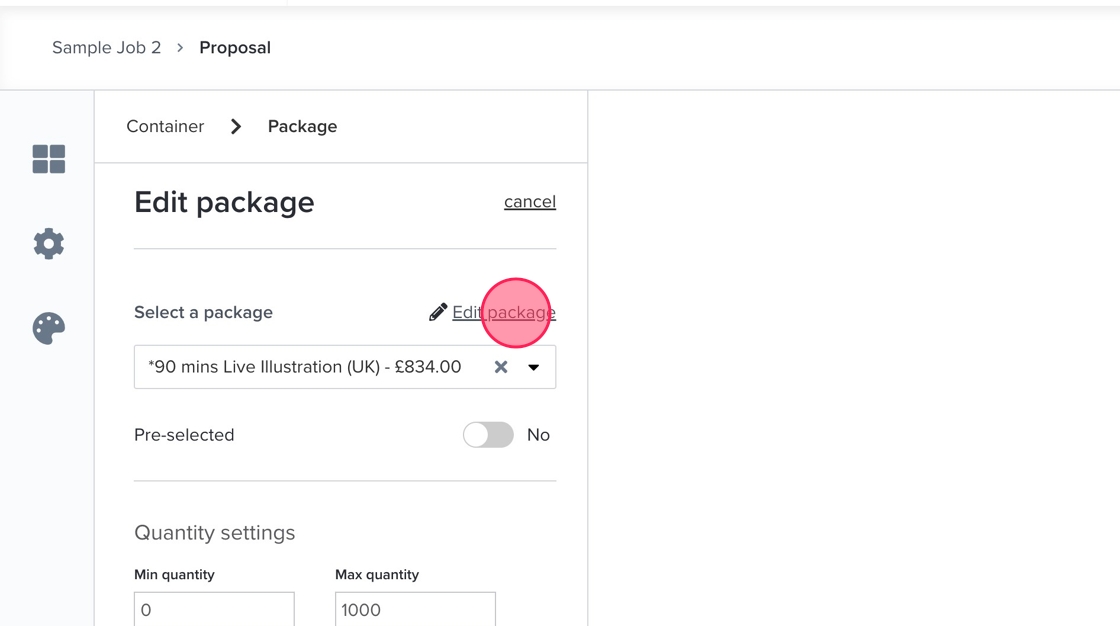
4. Click "Edit package"
5. Click here.
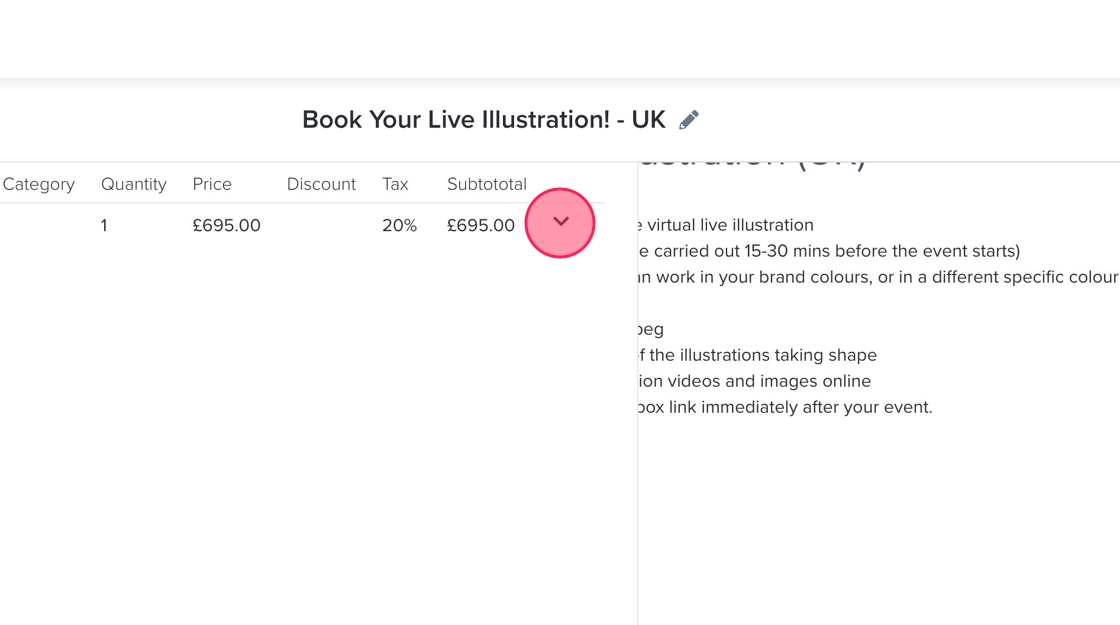
6. Click "Edit"
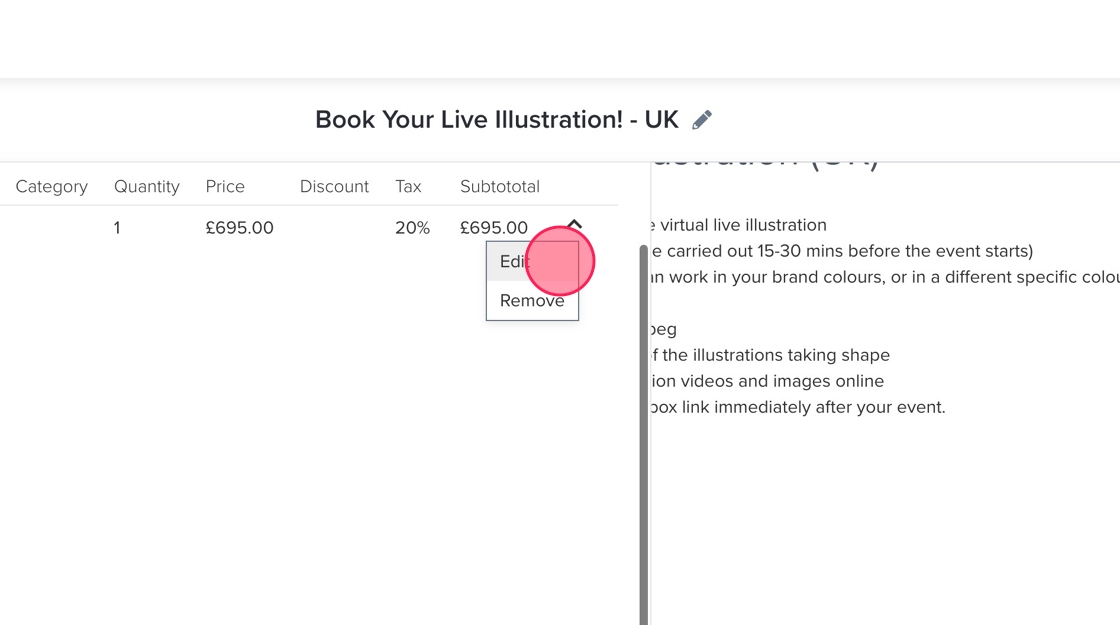
7. Click here.
8. Click "Select a category"
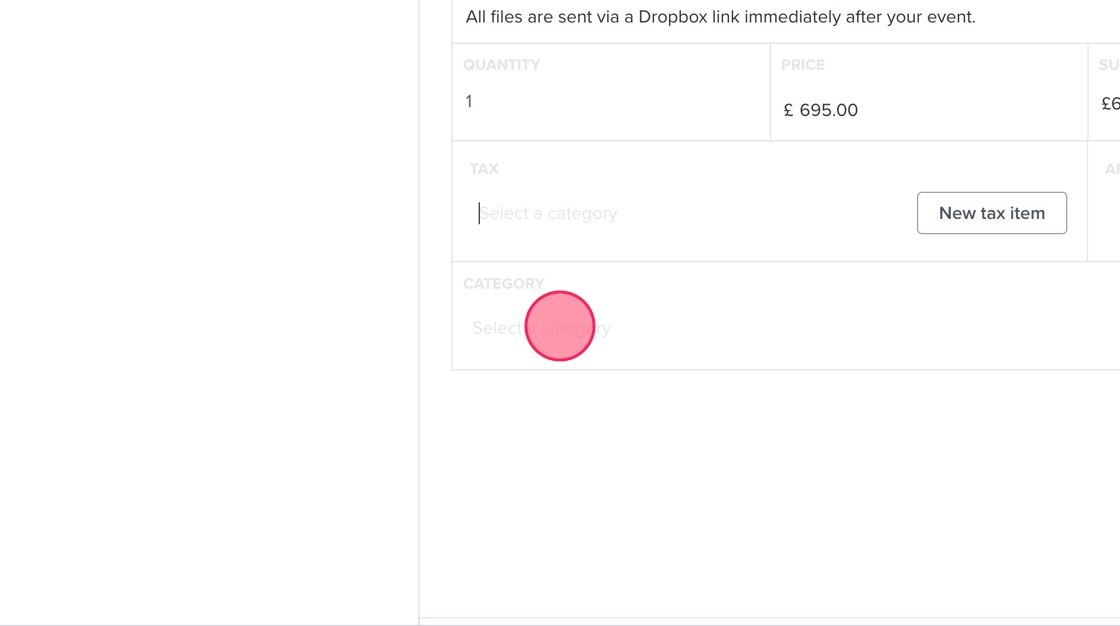
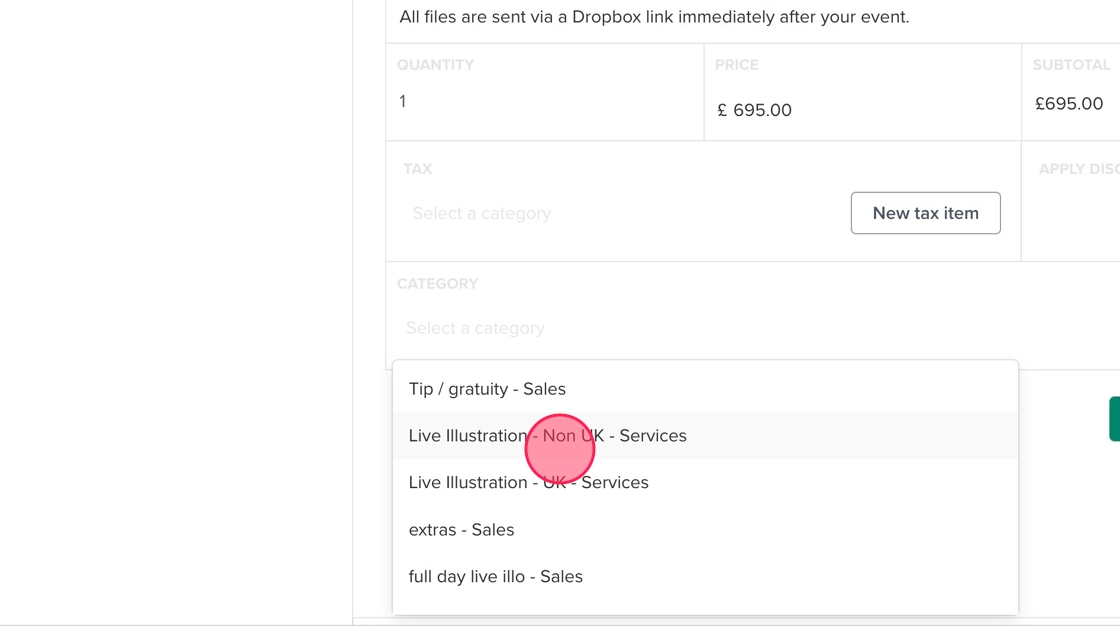
9. Click "Live Illustration - Non UK - Services"
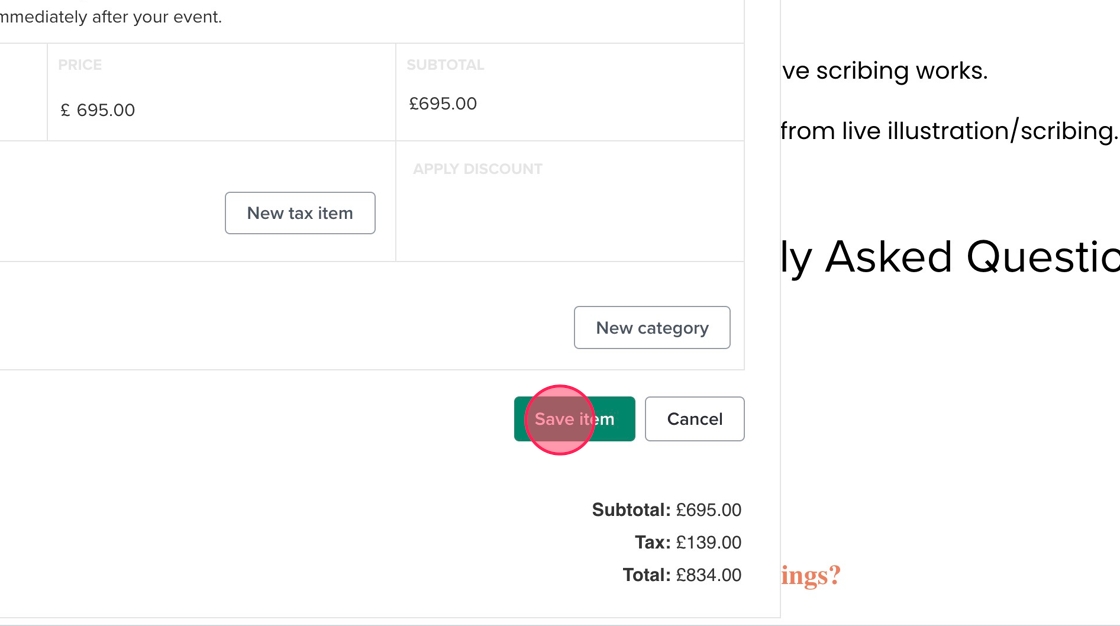
10. Click "Save item"
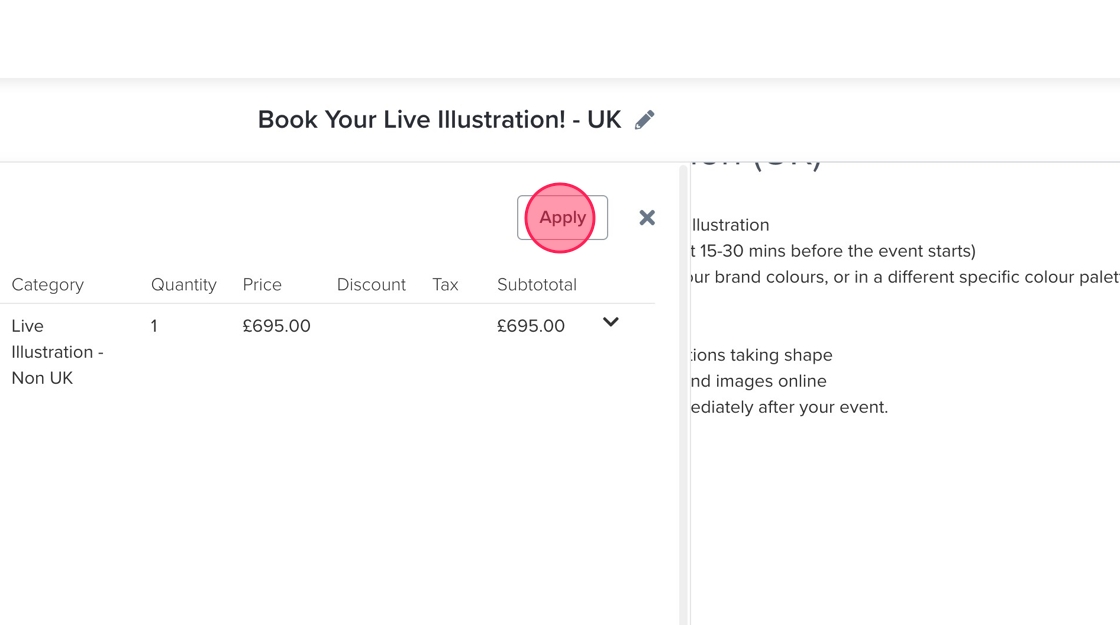
11. Click "Apply"
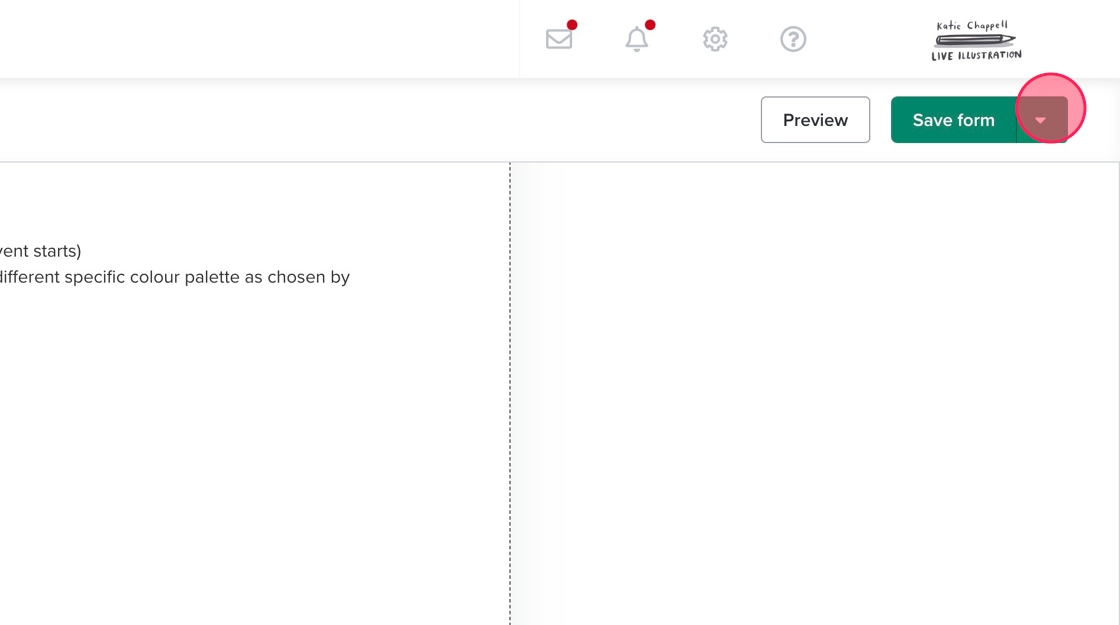
12. Click this button.
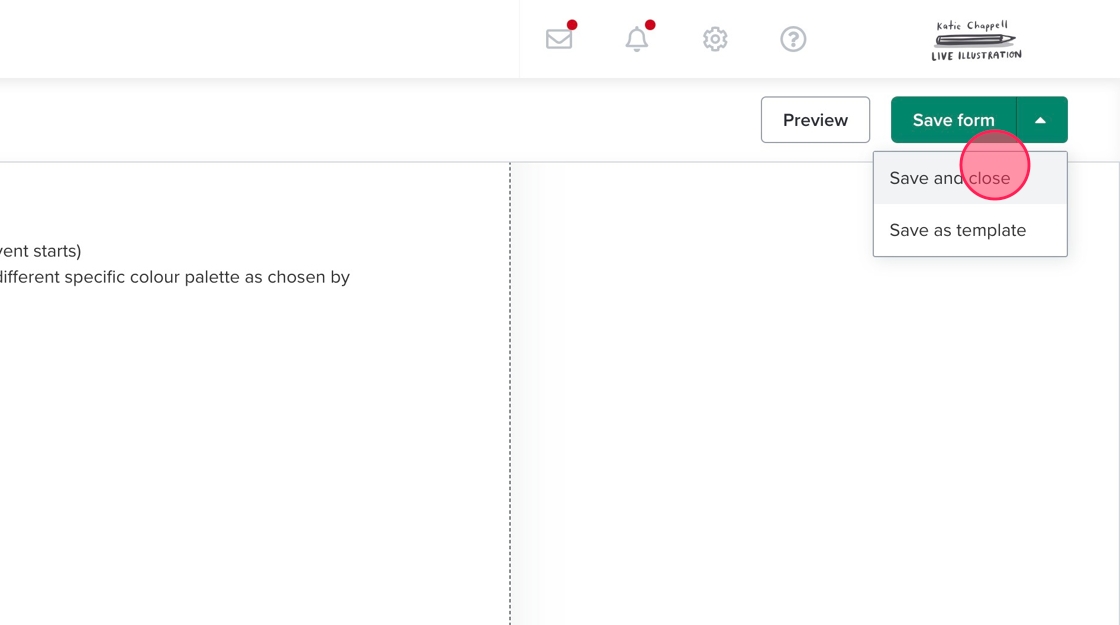
13. Click "Save and close"