
How to Allow Multiple Packages to Be Selected on a Proposal
This article walks you through how to turn on the setting in Dubsado that allows clients to select multiple packages on a proposal. Once enabled, your clients can choose any combination of packages listed—whether that’s two services, an upgrade plus an add-on, or even all of the above.
Want to do something like only allow one main package but multiple add-ons?
You’ll need Conditional Logic for that! It lets you prohibit clients from selecting multiple main packages and then also show or hide add-on options based on what your client selects. Check it out here.
Directions
1. Navigate to https://hello.dubsado.com/dashboard
2. Click "Templates"

3. Click "Forms"

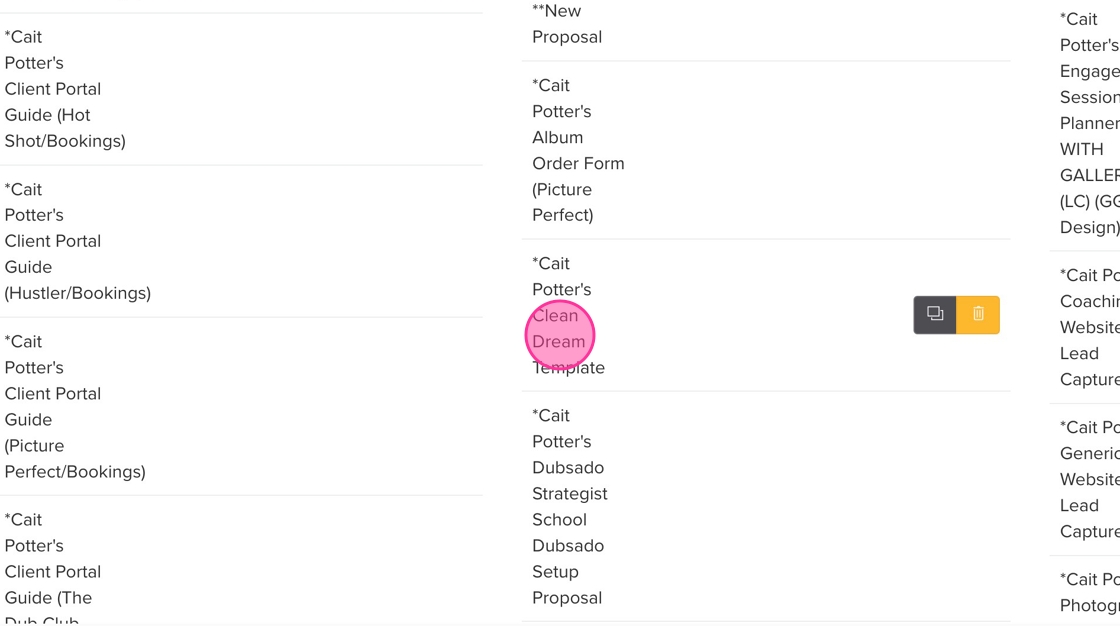
4. Select the relevant Proposal template
5. Go to the settings by clicking the Gear icon on the left.

6. Toggle the option to "Allow client to choose multiple packages" to YES

7. Click "Save and close"
